Tome (Tome | Polished & Professional AI Presentations) is an AI-powered storytelling tool that’s leading the way to brainstorm create & share stories online. This brings together many elements in a single, clean interface that guides you through the journey of creating a quick and robust presentation.
You can start with a simple or complex prompt and generate outlines to organize your ideas. Then, you can use the new presentation experience to choose different formats and designs for each page. Tome lets you create presentations for any purpose and audience in minutes.
Below we will take you through an example. Once you have registered for free, you can start creating too! If you are interested in trying it out, check it on this referral link.
Creating an outline
Prompt: create a detailed presentation on the benefits and implementation plan for AI across a large enterprise with a focus on change, adoption and cost efficiency
Output: Tome has created a great outline based on the prompt I have provided.

Creating slides
A few options for the presentation are generated (you can apply your own colours like we have here). Once a layout is chosen, you can generate all pages at once (or review page by page).

Without any editing, the slides reflect a good variety of headers, styles and pictures (as well as some that are text only). Remember here as well I have asked for a detailed presentation so may be longer than some slides for an Executive audience.

Adjusting slides
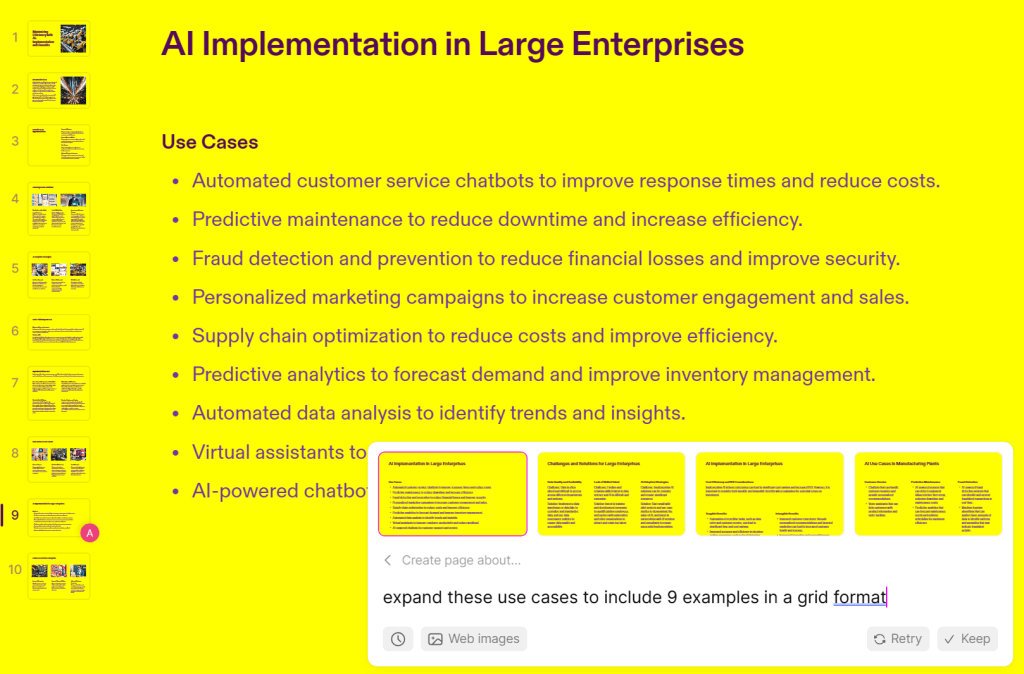
You can easily adjust the presentation using prompts, similar to when you create the presentation.
Prompt: expand these use cases to include 9 examples in a grid format
Output: Tome delivered on the 9 example use cases as requested but not in the format requested
Some observations
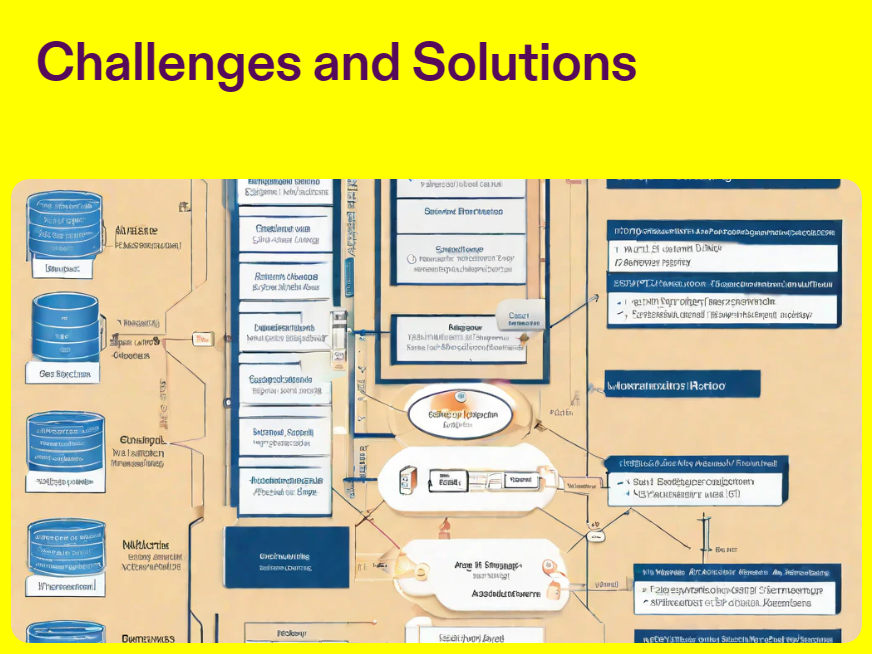
Odd diagrams
Like what happens in many AI generated images, there are detailed diagrams that appear from a distance to look believable but are very odd close up.
Limited layouts
The layout formats are restricted. This appears to achieve better looking presentations in a quicker time than many other free form presentation tools. The options to customise are limited and head towards generation as the first option (not unexpectedly).

Overall
Overall, Tome helps you create powerful presentations with AI using a structured workflow and good design principles. You can start from a prompt and take that through to page customisations to meet most needs. Their most recent feature release sums it up nicely:
Distill ideas quickly with AI
https://tome.app/blog/meet-generative-presentations-v2-how-to-make-your-best-work-in-tome
 Data + AI
You must be logged in to post a comment.